


Typora for Windows 7 - Elegant Markdown editor with seamless preview. - Windows 7 Download


Typora 1.14.15
Typora: A seamless markdown editor for distraction-free writing.
Typora, developed by Abner Lee, is a minimalist markdown editor that seamlessly blends writing and previewing in a single interface. Its intuitive design eliminates distractions, allowing users to focus on content creation. With real-time rendering, users can see their markdown formatting as they type, enhancing productivity. Typora supports various export formats, making it versatile for different needs. Ideal for writers, students, and developers alike, it transforms the writing experience int ...
Typora 1.14.15 full details

| File Size: | 100.00 MB |
|---|---|
| License: | Trialware |
| Price: | $14.99 |
| Released: |
2026-10-28
 |
| Downloads: | Total: 0 | This Month: 0 |
| Publisher: | Abner Lee |
| Publisher URL: | https://support.typora.io/ |

Download Typora 1.14.15
Save Typora to My Stuff
Tweet
Typora 1.14.15 full screenshots




Typora - Windows 7 Download awards

Typora 1.14.15 full description
Typora, developed by Abner Lee, is a minimalist yet powerful markdown editor that has quickly become a favorite among writers, developers, and anyone who values a clean, distraction-free writing environment. This software stands out for its seamless blend of simplicity and functionality, offering a unique writing experience that eliminates the clutter typically associated with markdown editors.
One of Typora’s most compelling features is its real-time rendering of markdown syntax. Unlike traditional markdown editors that separate the editing and preview panes, Typora integrates these into a single, unified interface. This WYSIWYG (What You See Is What You Get) approach allows users to focus on content creation without constantly switching between modes, making the writing process more intuitive and efficient.
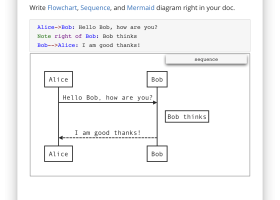
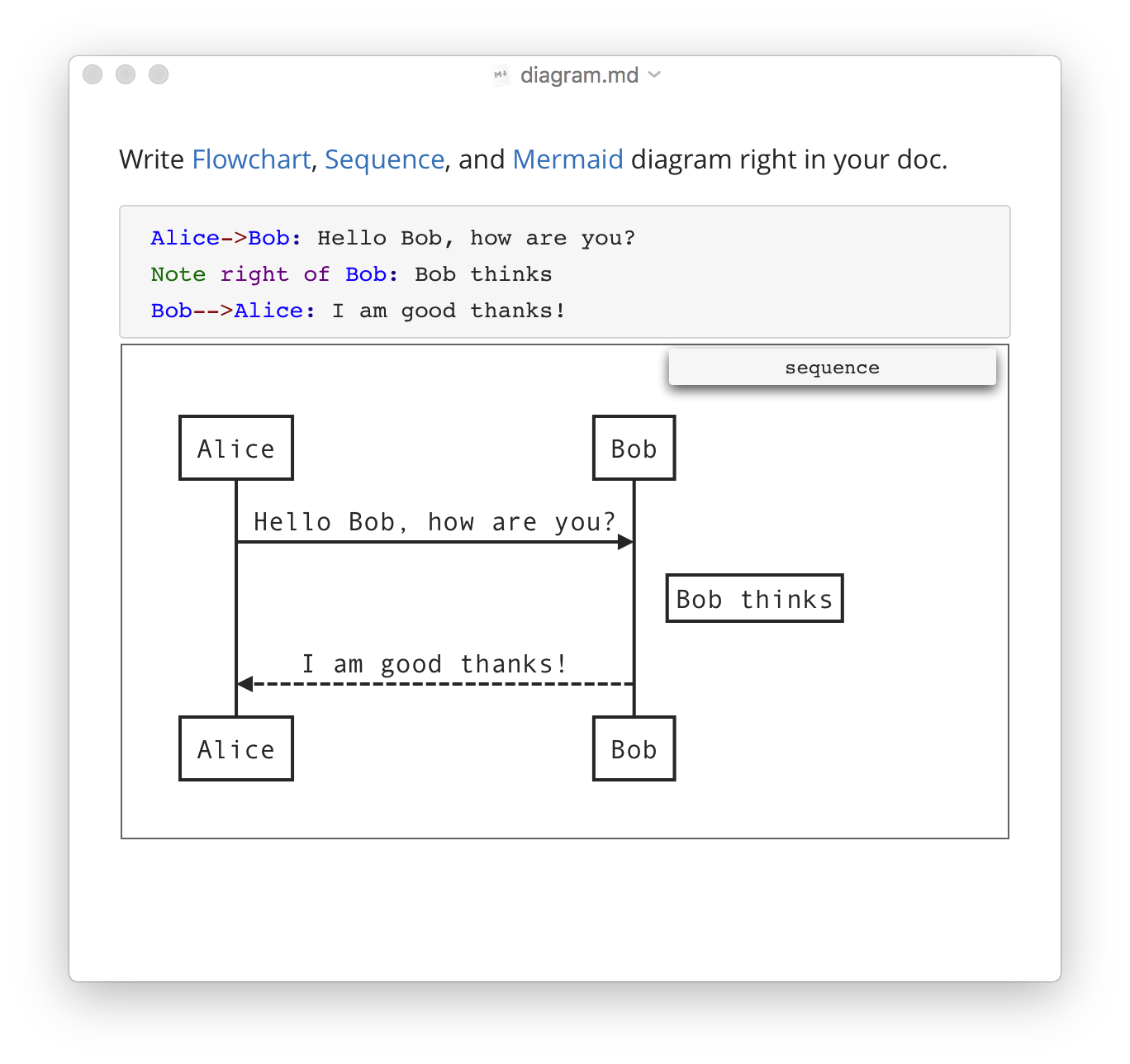
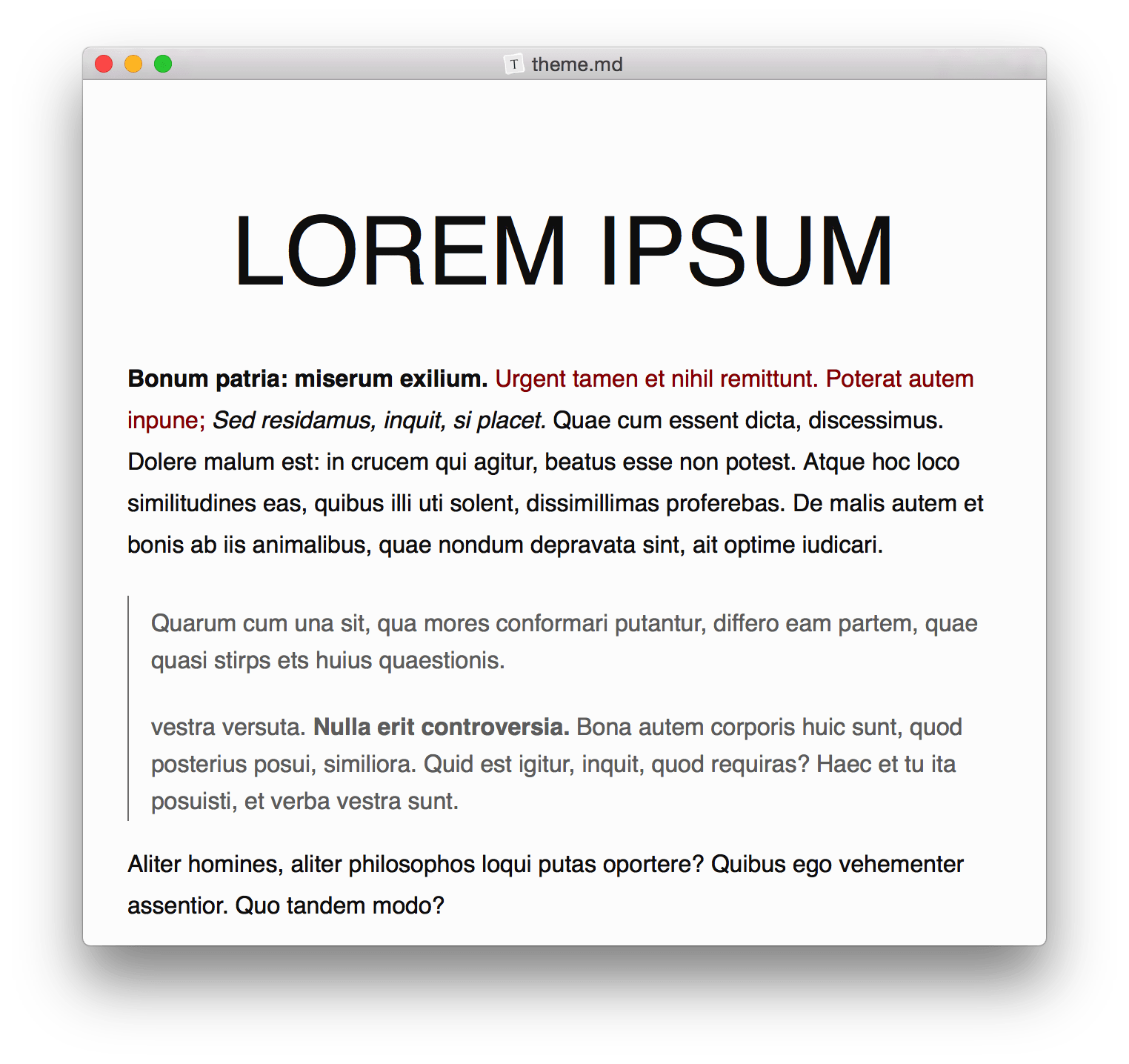
Typora supports a wide range of markdown features, including tables, code fences, mathematics (via LaTeX), diagrams, and more. Its support for custom themes and CSS allows users to tailor the appearance to their liking, enhancing both usability and aesthetic appeal. The software also includes a file tree panel and an outline panel, which are particularly useful for navigating large documents or projects.
Another standout feature is Typora's export capabilities. Users can easily convert markdown documents into various formats such as PDF, Word, and HTML, making it versatile for different publishing needs. The software also supports importing from other formats, ensuring smooth transitions from other writing tools.
Typora’s minimalist design does not compromise on functionality. It offers features like focus mode, typewriter mode, and a dark theme, which cater to different writing preferences and environments. These features help maintain concentration and reduce eye strain, which is crucial for long writing sessions.
The software is cross-platform, available on Windows, macOS, and Linux, ensuring that users can enjoy a consistent experience regardless of their operating system. This flexibility makes Typora an attractive choice for users who work across different devices.
Typora is also notable for its active development and community support. Regular updates ensure that the software remains up-to-date with the latest markdown standards and user needs. The community around Typora is vibrant, with users frequently sharing themes, tips, and extensions to further enhance the software’s capabilities.
In summary, Typora is a sophisticated markdown editor that strikes a perfect balance between simplicity and power. Its real-time rendering, extensive markdown support, and customizable interface make it an ideal choice for anyone looking to streamline their writing process. Whether you're a seasoned developer documenting code, a student taking notes, or a writer crafting your next novel, Typora provides the tools you need in a sleek, efficient package.
One of Typora’s most compelling features is its real-time rendering of markdown syntax. Unlike traditional markdown editors that separate the editing and preview panes, Typora integrates these into a single, unified interface. This WYSIWYG (What You See Is What You Get) approach allows users to focus on content creation without constantly switching between modes, making the writing process more intuitive and efficient.
Typora supports a wide range of markdown features, including tables, code fences, mathematics (via LaTeX), diagrams, and more. Its support for custom themes and CSS allows users to tailor the appearance to their liking, enhancing both usability and aesthetic appeal. The software also includes a file tree panel and an outline panel, which are particularly useful for navigating large documents or projects.
Another standout feature is Typora's export capabilities. Users can easily convert markdown documents into various formats such as PDF, Word, and HTML, making it versatile for different publishing needs. The software also supports importing from other formats, ensuring smooth transitions from other writing tools.
Typora’s minimalist design does not compromise on functionality. It offers features like focus mode, typewriter mode, and a dark theme, which cater to different writing preferences and environments. These features help maintain concentration and reduce eye strain, which is crucial for long writing sessions.
The software is cross-platform, available on Windows, macOS, and Linux, ensuring that users can enjoy a consistent experience regardless of their operating system. This flexibility makes Typora an attractive choice for users who work across different devices.
Typora is also notable for its active development and community support. Regular updates ensure that the software remains up-to-date with the latest markdown standards and user needs. The community around Typora is vibrant, with users frequently sharing themes, tips, and extensions to further enhance the software’s capabilities.
In summary, Typora is a sophisticated markdown editor that strikes a perfect balance between simplicity and power. Its real-time rendering, extensive markdown support, and customizable interface make it an ideal choice for anyone looking to streamline their writing process. Whether you're a seasoned developer documenting code, a student taking notes, or a writer crafting your next novel, Typora provides the tools you need in a sleek, efficient package.
Typora 1.14.15 download tags
Typora 1.14.15 Windows 7 release notes
New Release
Improve Quick Open for large folders.
Perverse readonly mode when refocus window.
Fix Outline missing for PDF export on macOS 27.
Fix copy images on macOS 27.
Fix overlapping spellcheck callbacks crashing the renderer.
Allow opening links with a single click in readonly mode.
Fix missing recent file menu crash in production builds.
Fix iframe sandbox bypass in whitelisted HTML embeds.
Fix inline math boundaries within TeX groups.
Fix external file reload after editor replaces file
[ Typora release history ]
Improve Quick Open for large folders.
Perverse readonly mode when refocus window.
Fix Outline missing for PDF export on macOS 27.
Fix copy images on macOS 27.
Fix overlapping spellcheck callbacks crashing the renderer.
Allow opening links with a single click in readonly mode.
Fix missing recent file menu crash in production builds.
Fix iframe sandbox bypass in whitelisted HTML embeds.
Fix inline math boundaries within TeX groups.
Fix external file reload after editor replaces file
[ Typora release history ]
Bookmark Typora
Typora for Windows 7 - Copyright information
All Typora reviews, submitted ratings and written comments become the sole property of Windows 7 download. You acknowledge that you, not windows7download, are responsible for the contents of your submission. However, windows7download reserves the right to remove or refuse to post any submission for any reason.
Windows 7 Download periodically updates pricing and software information of Typora full version from the publisher, but some information may be out-of-date. You should confirm all information.
Using warez version, crack, warez passwords, patches, serial numbers, registration codes, key generator, pirate key, keymaker or keygen for Typora license key is illegal and prevent future development of Typora. Download links are directly from our mirrors or publisher's website, Typora torrent or shared files from free file sharing and free upload services, including Rapidshare, MegaUpload, YouSendIt, SendSpace, DepositFiles, DivShare, HellShare, HotFile, FileServe or MediaFire, are not used.
Windows 7 Download periodically updates pricing and software information of Typora full version from the publisher, but some information may be out-of-date. You should confirm all information.
Using warez version, crack, warez passwords, patches, serial numbers, registration codes, key generator, pirate key, keymaker or keygen for Typora license key is illegal and prevent future development of Typora. Download links are directly from our mirrors or publisher's website, Typora torrent or shared files from free file sharing and free upload services, including Rapidshare, MegaUpload, YouSendIt, SendSpace, DepositFiles, DivShare, HellShare, HotFile, FileServe or MediaFire, are not used.
Post Typora review


Windows 7 Typora related downloads
HT is a file editor/viewer/analyzer for executables. The goal is to combine the low-level functionality ...
... and Binary Files of any Size. Free Hex Editor Neo is a large files optimized freeware hex ...
... to meet your needs. Today, we're presenting "X Editor Pro", a top-notch software developed by the renowned ...
SSuite NoteBook editor has all the functionality to start you on ... software. Use the built-in PDF capabilities of NoteBook Editor to share your work easily and with everyone! ...

Introducing Text Editor Pro, the ultimate text editing solution crafted by ... and professionals alike. With an intuitive interface, Text Editor Pro allows you to create, edit, and manage ...
My Account
Help
Windows 7 Software Coupons
-
FREE VPN PROXY by SEED4.ME WINDOWS
Free VPN by Seed4Me -
MacX DVD Ripper Pro
50% Off -
WinX HD Video Converter
56% Off -
Media Player Morpher
85% Off -
MacX Video Converter Pro
56% Off
My Saved Stuff
You have not saved any software.
Click "Save" next to each software.
Click "Save" next to each software.
Would you like to receive announcements of new versions of your software by email or by RSS reader? Register for FREE!
Windows 7 Downloads Picks
Popular Tags
docm to pdf
unicode
notepad
ppt to pdf
powerpoint to pdf
ppt to jpg
word to jpg
pdf to text
docx to pdf
text editor
word
xlsm to pdf
excel to pdf
xls to pdf
office converter
convert pdf to word
xlsx to pdf
pdf converter
word to pdf
word to pdf converter
doc to pdf
text
convert word to pdf
editor
pdf to word
html
pptx to pdf
pdf to doc
rtf to pdf
txt to pdf
Popular Windows 7 Software
- Network Monitor II 33.0
- Avro Keyboard 5.6.0.0
- Ghostscript (x64 bit) 10.03.1
- Media Creation Tool x64 22H2
- Windows 7
- iTop Data Recovery 6.4.0.959
- Windows 7 Service Pack 1 7601.17514.1011
- iTop Easy Desktop 4.5.0.349
- Advanced SystemCare 20.0.1.256
- Smart Game Booster 6.0.1.1231
- iTop PDF 3.6.0.4
- GoodSync2Go 12.11.12.2
- The Dude 7.24.5 Stable
- IObit Uninstaller 16.0.0.34
- Windows 7 DreamScene Activator 1.1
© 2026 Windows7Download.com - All logos, trademarks, art and other creative works are and remain copyright and property of their respective owners. Microsoft Windows is a registered trademarks of Microsoft Corporation. Microsoft Corporation in no way endorses or is affiliated with windows7download.com.