


TeamViewer QuickSupport for Windows 7 - "Connect & Solve: TeamViewer QuickSupport" - Windows 7 Download


TeamViewer QuickSupport 15.82.6
"Get fast, secure remote support with TeamViewer QuickSupport"
Looking for an easy-to-use remote assistance software for your Windows 7 device? Look no further than TeamViewer QuickSupport! Developed by TeamViewer GmbH, this software offers seamless remote access for support and collaboration with colleagues, friends, and family alike. Its intuitive design ensures simple installation and setup, while its powerful features guarantee efficient and effective problem-solving. So why wait? Download TeamViewer QuickSupport today and experience the convenience and ease of seamless remote access!
TeamViewer QuickSupport 15.82.6 full details

| File Size: | 32.90 MB |
|---|---|
| License: | Freeware |
| Price: | FREE |
| Released: |
2026-09-30
 |
| Downloads: | Total: 3810 | This Month: 235 |
| Publisher: | TeamViewer GmbH |
| Publisher URL: | https://www.teamviewer.com/ |

Download TeamViewer QuickSupport 15.82.6
Save TeamViewer QuickSupport to My Stuff
Tweet
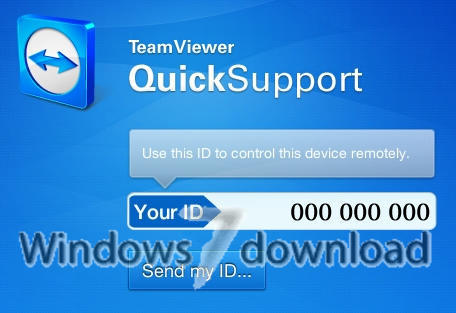
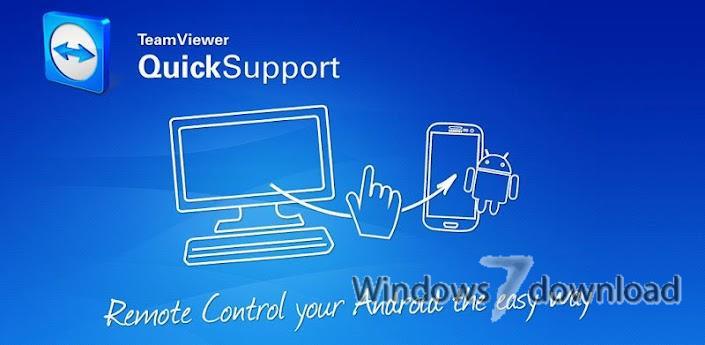
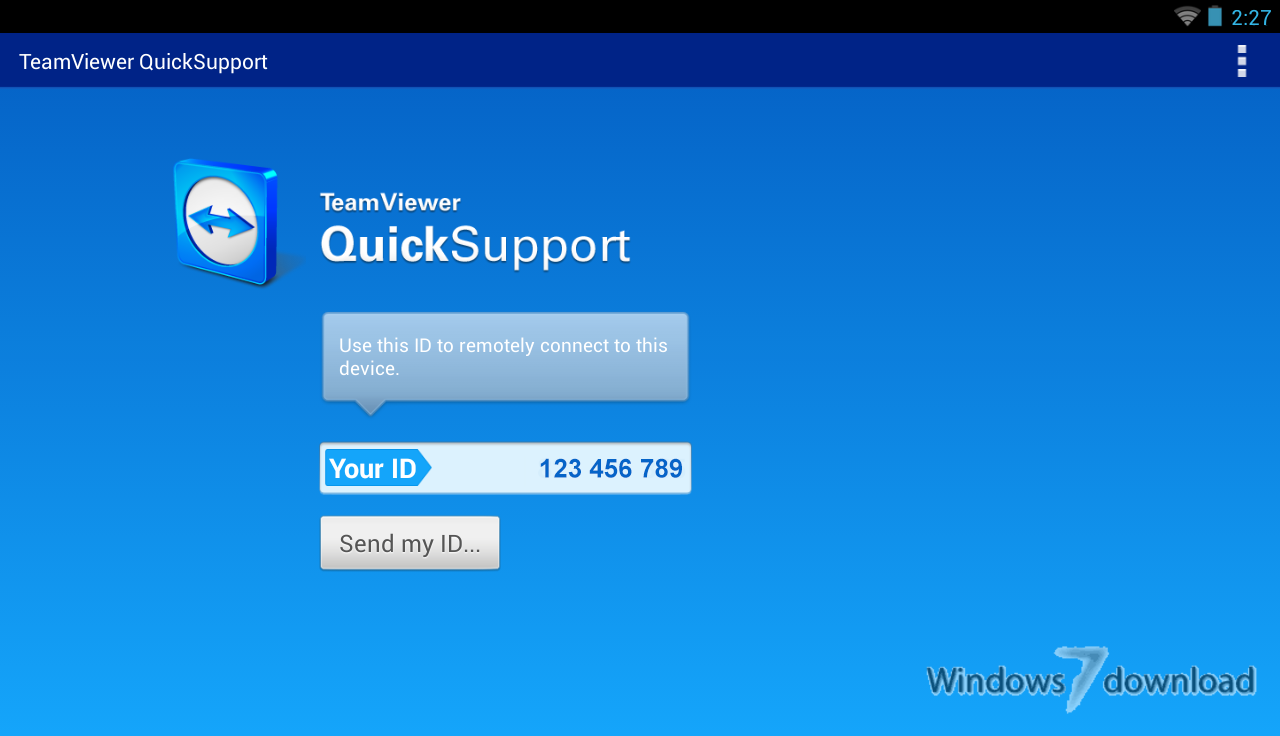
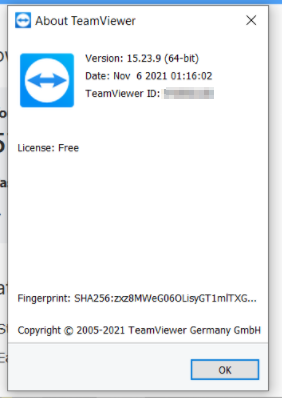
TeamViewer QuickSupport 15.82.6 full screenshots

TeamViewer QuickSupport - Windows 7 Download awards


TeamViewer QuickSupport 15.82.6 full description
Desktop sharing has never been easier: With TeamViewer you will be able to connect to the desktop of a partner anywhere on the Internet.
TeamViewer also works in the other direction: Show your own desktop to a partner over the Internet and illustrate your own developed software, presentations or solutions.
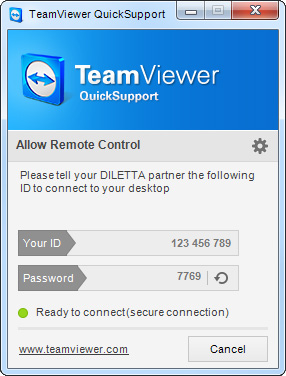
Simple and small customer module, runs immediately without installation and does not require administrative rights - optimized for instant support.
To support a spontaneous customer just tell him/her to run this module. Just enter the partner ID and off you go.
TeamViewer also works in the other direction: Show your own desktop to a partner over the Internet and illustrate your own developed software, presentations or solutions.
Simple and small customer module, runs immediately without installation and does not require administrative rights - optimized for instant support.
To support a spontaneous customer just tell him/her to run this module. Just enter the partner ID and off you go.
TeamViewer QuickSupport 15.82.6 download tags
TeamViewer QuickSupport 15.82.6 Windows 7 release notes
New Release
New features:
Added support for Admin settings, device management, Single-Sign-On (SSO) and Microsoft LAPS integration to the Hybrid Conditional Access.
Tensor-licensed customers can now forward their local microphone and camera to the remote device, enabling them to join meetings or use applications that require a camera and microphone directly from a remote session.
Auditability for account security has been improved. Password changes will now be logged as separate events.
The user creation date and last active information have been added to the User Details panel, giving administrators quick insight when reviewing user profiles.
Permission handling for user groups has been improved. Actions such as creating, viewing, updating, and deleting user groups are now controlled by assigned permissions, ensuring clear and consistent access management.
Customers can now create Conditional Access rules using Company Profiles, enabling secure access scenarios involving trusted third-party organizations, such as external support providers using TeamViewer. A new External Company option is available in both the Source and Target fields during rule creation, allowing administrators to specify a Company Profile name and apply the rule to users associated with that external organization.
Improvements:
TeamViewer now natively supports Windows on ARM devices for both TeamViewer Remote and TeamViewer (Classic). Its functionality matches the existing Intel-based versions, ensuring a consistent experience across device architectures.
The width of the in-session Tia side panel has been increased to provide a more comfortable experience when interacting with chat.
Session connections using Windows authentication are now available from both the command bar and the context menu on the Service Queue page.
The unattended access text in the Classic Host has been updated to align with TeamViewer Remote. The revised wording more clearly indicates that the device is managed by the company, redu
[ TeamViewer QuickSupport release history ]
New features:
Added support for Admin settings, device management, Single-Sign-On (SSO) and Microsoft LAPS integration to the Hybrid Conditional Access.
Tensor-licensed customers can now forward their local microphone and camera to the remote device, enabling them to join meetings or use applications that require a camera and microphone directly from a remote session.
Auditability for account security has been improved. Password changes will now be logged as separate events.
The user creation date and last active information have been added to the User Details panel, giving administrators quick insight when reviewing user profiles.
Permission handling for user groups has been improved. Actions such as creating, viewing, updating, and deleting user groups are now controlled by assigned permissions, ensuring clear and consistent access management.
Customers can now create Conditional Access rules using Company Profiles, enabling secure access scenarios involving trusted third-party organizations, such as external support providers using TeamViewer. A new External Company option is available in both the Source and Target fields during rule creation, allowing administrators to specify a Company Profile name and apply the rule to users associated with that external organization.
Improvements:
TeamViewer now natively supports Windows on ARM devices for both TeamViewer Remote and TeamViewer (Classic). Its functionality matches the existing Intel-based versions, ensuring a consistent experience across device architectures.
The width of the in-session Tia side panel has been increased to provide a more comfortable experience when interacting with chat.
Session connections using Windows authentication are now available from both the command bar and the context menu on the Service Queue page.
The unattended access text in the Classic Host has been updated to align with TeamViewer Remote. The revised wording more clearly indicates that the device is managed by the company, redu
[ TeamViewer QuickSupport release history ]
Bookmark TeamViewer QuickSupport
TeamViewer QuickSupport for Windows 7 - Copyright information
All TeamViewer QuickSupport reviews, submitted ratings and written comments become the sole property of Windows 7 download. You acknowledge that you, not windows7download, are responsible for the contents of your submission. However, windows7download reserves the right to remove or refuse to post any submission for any reason.
Windows 7 Download periodically updates pricing and software information of TeamViewer QuickSupport full version from the publisher, but some information may be out-of-date. You should confirm all information.
Using warez version, crack, warez passwords, patches, serial numbers, registration codes, key generator, pirate key, keymaker or keygen for TeamViewer QuickSupport license key is illegal and prevent future development of TeamViewer QuickSupport. Download links are directly from our mirrors or publisher's website, TeamViewer QuickSupport torrent or shared files from free file sharing and free upload services, including Rapidshare, MegaUpload, YouSendIt, SendSpace, DepositFiles, DivShare, HellShare, HotFile, FileServe or MediaFire, are not used.
Windows 7 Download periodically updates pricing and software information of TeamViewer QuickSupport full version from the publisher, but some information may be out-of-date. You should confirm all information.
Using warez version, crack, warez passwords, patches, serial numbers, registration codes, key generator, pirate key, keymaker or keygen for TeamViewer QuickSupport license key is illegal and prevent future development of TeamViewer QuickSupport. Download links are directly from our mirrors or publisher's website, TeamViewer QuickSupport torrent or shared files from free file sharing and free upload services, including Rapidshare, MegaUpload, YouSendIt, SendSpace, DepositFiles, DivShare, HellShare, HotFile, FileServe or MediaFire, are not used.
TeamViewer QuickSupport users' reviews
TeamViewer QuickSupport 11.0.56083
review by Arun Kumar (Jun 20, 2016)


It was very good to get the session nd very user friendly for our organisations
Post TeamViewer QuickSupport review


Windows 7 TeamViewer QuickSupport related downloads
Remote Desktop Assistant is a wrapper for Microsoft Remote Desktop Connection and OpenSSH. It creates RDP configuration ...
... over what your kid may click on next, Remote Authority can help with its simple approach. ...
Remote Utilities Host is a powerful and user-friendly software developed by Remote Utilities Pty (Cy) Ltd. This software provides remote ...
Discover seamless remote access with Remote Utilities - Viewer Portable Edition, a powerful software ... users who need flexibility and efficiency. Developed by Remote Utilities LLC, this portable viewer allows you to ...
Are you searching for a reliable, professional-grade remote access solution to manage your devices efficiently? Look ...
My Account
Help
Windows 7 Software Coupons
-
WinX DVD Copy Pro
42% Off -
MacX Video Converter Pro
56% Off -
Media Player Morpher
85% Off -
WinX HD Video Converter
56% Off -
MacX MediaTrans
63% Off
My Saved Stuff
You have not saved any software.
Click "Save" next to each software.
Click "Save" next to each software.
Would you like to receive announcements of new versions of your software by email or by RSS reader? Register for FREE!
Windows 7 Downloads Picks
- TeamViewer Host 15.82.6
- VNC for Mac and Linux 7.16.0 (r14)
- TeamViewer QuickSupport 15.82.6
- UltraVNC 1.6.4.0
- LogMeIn Pro 4.1.16174
- DameWare Mini Remote Control 64bit 12.3.0.12
- AirPort Utility 5.6.1.2
- DameWare Mini Remote Control 12.3.0.12
- ScreenConnect 21.5.2870.7759
- Xmanager Enterprise 7.0 B0151
- SmartCode ViewerX VNC Viewer ActiveX 7.15.1
- NetRemote 2.0.21.144
- Freefloat Access One 2.0.31
- Icloud 7.21.0.23
- Goverlan Remote Administration Suite 8.01.10
- XenViewer 1.1.135
- Smart Bluetooth Marketing 1.4.0.151
- DualDesk Lite 20.5.1.0
- ThinWin 0.2.8
- Ideal Administration 20.0
Popular Tags
pc monitoring
remote admin
vnc
remote
remote access
remote shutdown
pc remote control
network
remote control
reboot
shutdown
software
file transfer
rdp
spy
remote pc
chat
remote assistance
keylogger
logoff
server
remote support
helpdesk
control
internet
remote desktop
remote spy
windows
restart
network tools
Popular Windows 7 Software
- Network Traffic Generator and Monitor 12.6
- Firefox 64bit x64 127.0.2
- iTop VPN 7.4.0.6857
- Google Chrome 126.0.6478.127
- RouterOS 7.22.1 Stable
- Universal Maps Downloader 10.253
- SSuite NetSurfer Browser x64 2.30.16.10
- iTop Private Browser 3.1.0.255
- Allavsoft 3.29.1.9611
- NetSpot for Windows 6.0.0.780
- SSuite NetSurfer Browser 2.30.16.10
- Google Chrome 17 17.0.963.78
- SoftPerfect Network Scanner 26.3
- Google Chrome Portable 126.0.6478.127
- Dukto Portable R6
© 2026 Windows7Download.com - All logos, trademarks, art and other creative works are and remain copyright and property of their respective owners. Microsoft Windows is a registered trademarks of Microsoft Corporation. Microsoft Corporation in no way endorses or is affiliated with windows7download.com.