


LibreOffice for Windows 7 - "Free Office Suite: LibreOffice" - Windows 7 Download


LibreOffice 26.2.1.3 Latest
Get LibreOffice, the ultimate office suite for Windows 7.
LibreOffice is a must-have software for anyone looking for a free and open-source alternative to Microsoft Office. Developed by The Document Foundation, this powerful productivity suite includes impressive tools for word processing, spreadsheets, presentations, and more. It's compatible with a wide range of file formats, providing seamless integration with other commonly used software. Additionally, the software boasts a user-friendly interface and frequent updates to ensure it stays ahead of the curve. Don't miss out on this game-changing tool - download LibreOffice today!
LibreOffice 26.2.1.3 Latest full details

| File Size: | 329.00 MB |
|---|---|
| License: | Open Source |
| Price: | FREE |
| Released: |
2026-03-10
 |
| Downloads: | Total: 15012 | This Month: 1292 |
| Publisher: | The Document Foundation |
| Publisher URL: | https://www.documentfoundation.org/ |

Download LibreOffice 26.2.1.3 Latest
Save LibreOffice to My Stuff
Tweet
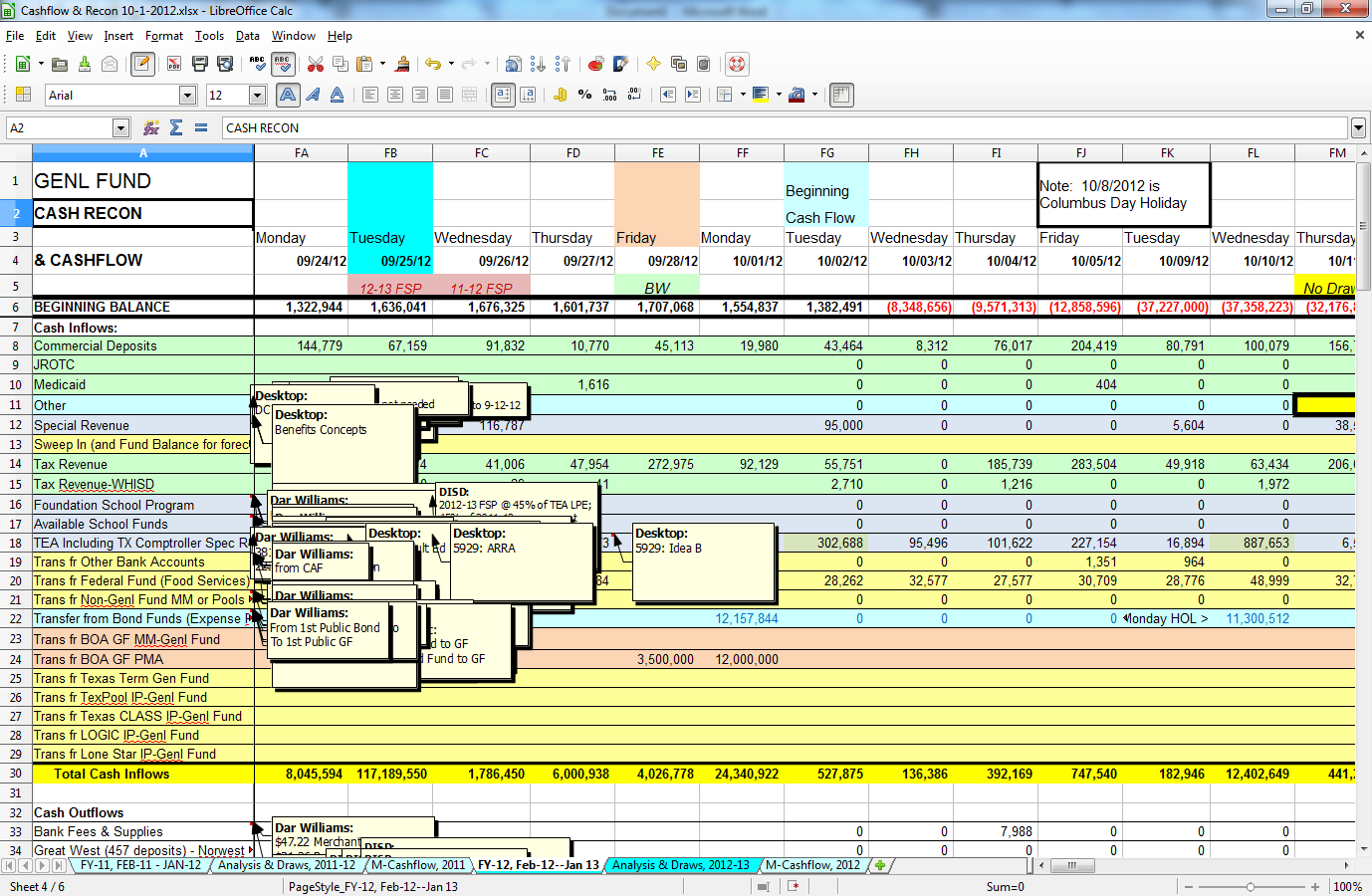
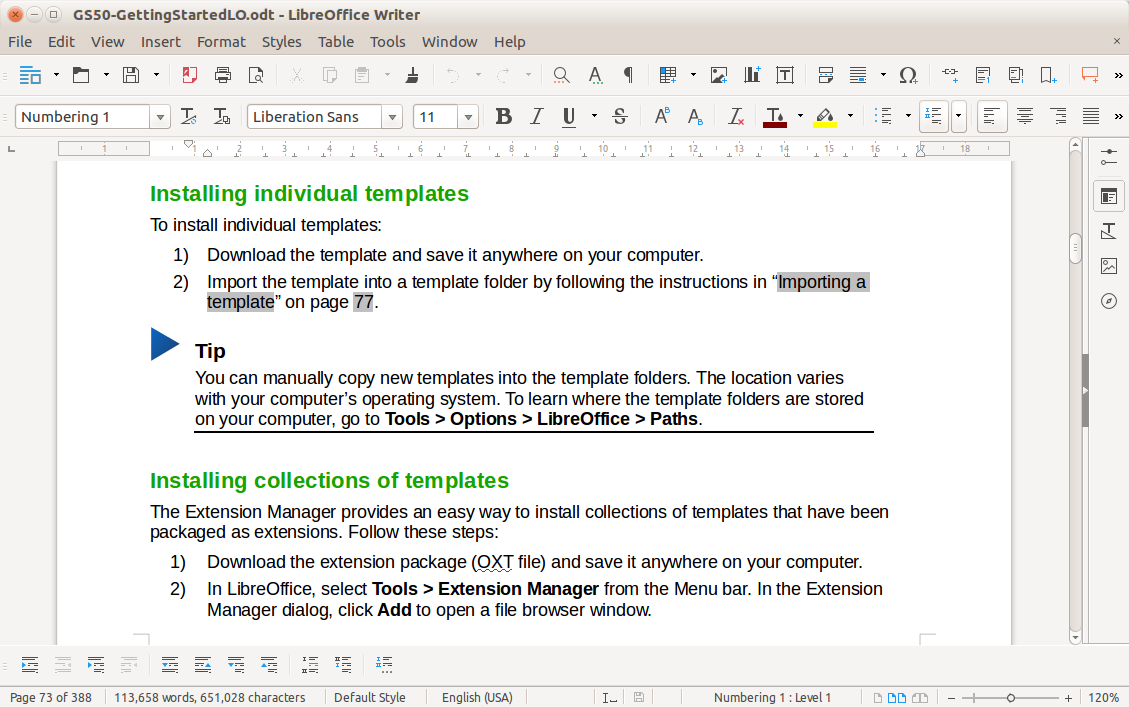
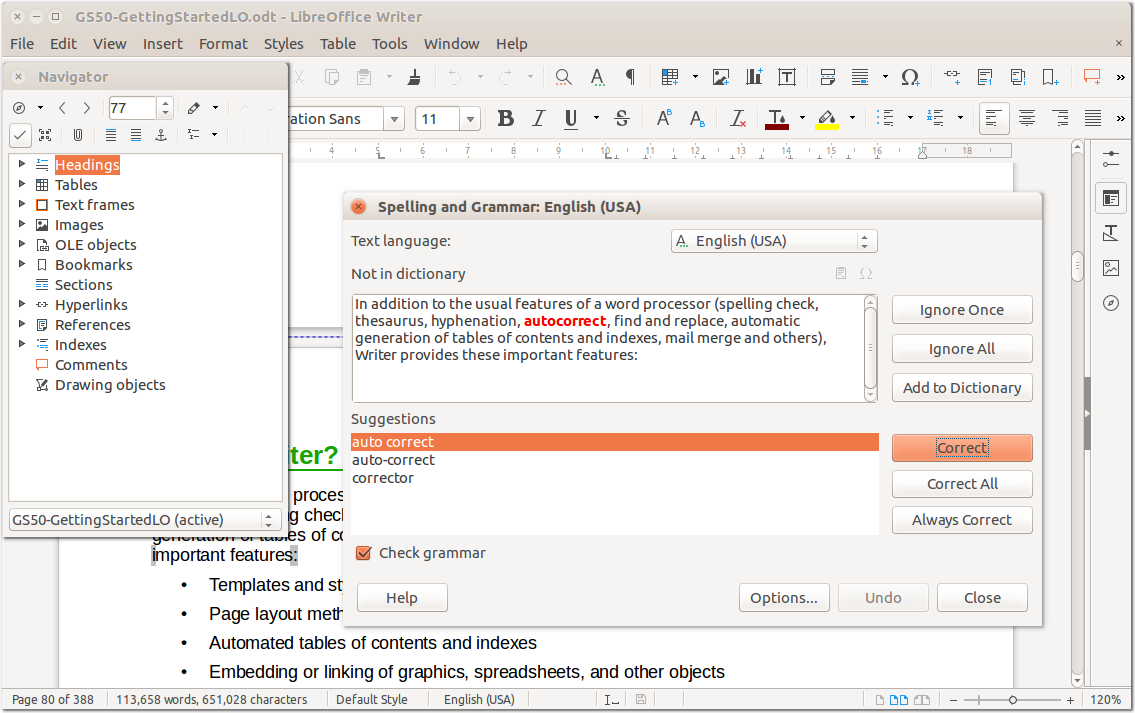
LibreOffice 26.2.1.3 Latest full screenshots


LibreOffice - Windows 7 Download awards


LibreOffice 26.2.1.3 Latest full description
LibreOffice is the free power-packed Open Source personal productivity suite for Windows, Macintosh and Linux, that gives you six feature-rich applications for all your document production and data processing needs: Writer, Calc, Impress, Draw, Math and Base. Support and documentation is free from our large, dedicated community of users, contributors and developers.
LibreOffice is a comprehensive, professional-quality productivity suite that you can download and install for free. There is a large base of satisfied LibreOffice users worldwide, and it is available in more than 30 languages and for all major operating systems, including Microsoft Windows, Mac OS X and Linux (Debian, Ubuntu, Fedora, Mandriva, Suse, ...).
What does LibreOffice give you?
Writer is the word processor inside LibreOffice. Use it for everything, from dashing off a quick letter to producing an entire book with tables of contents, embedded illustrations, bibliographies and diagrams. The while-you-type auto-completion, auto-formatting and automatic spelling checking make difficult tasks easy (but are easy to disable if you prefer). Writer is powerful enough to tackle desktop publishing tasks such as creating multi-column newsletters and brochures. The only limit is your imagination.
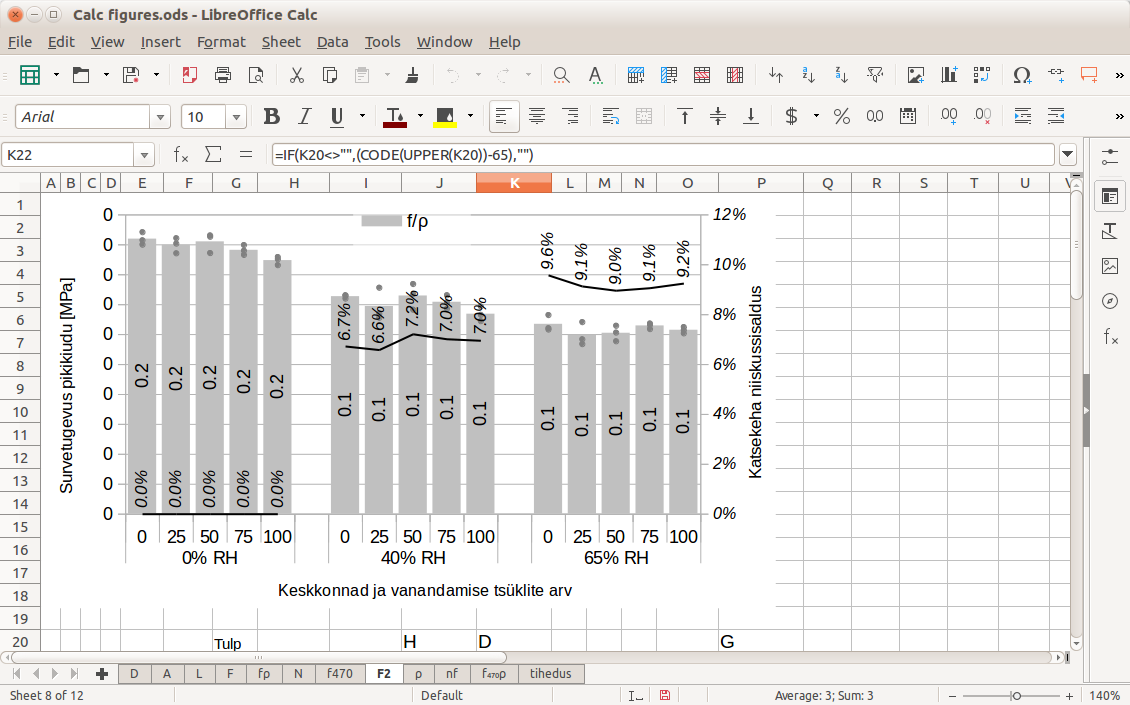
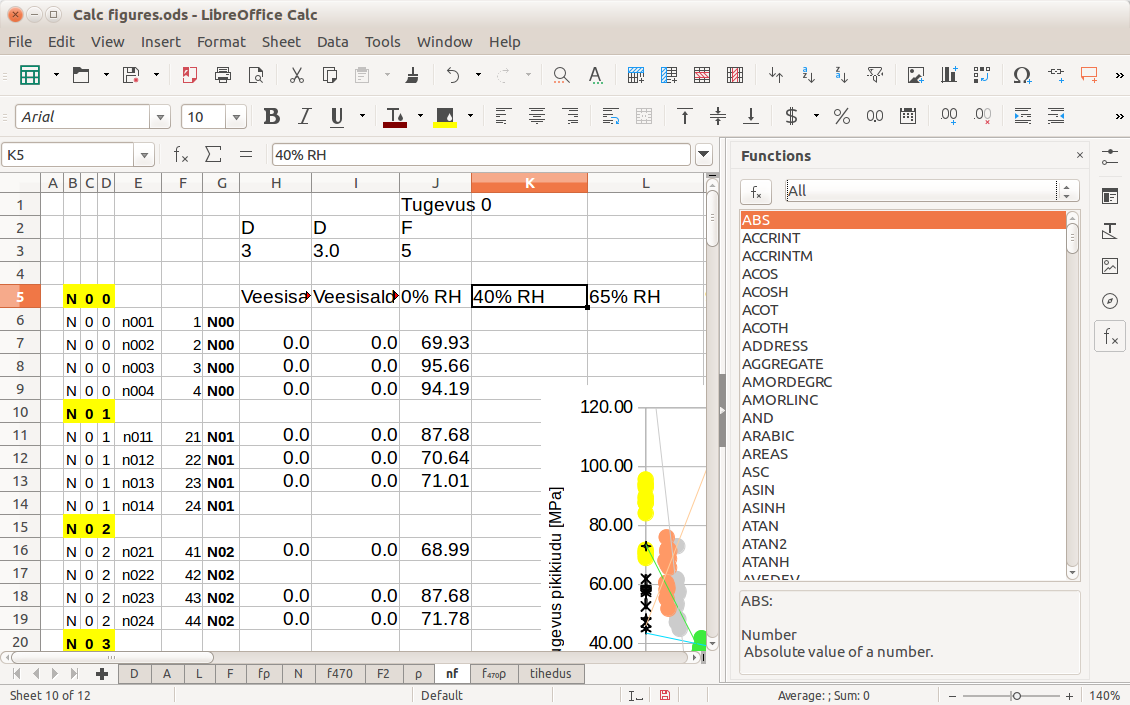
Calc tames your numbers and helps with difficult decisions when you're weighing the alternatives. Analyze your data with Calc and then use it to present your final output. Charts and analysis tools help bring transparency to your conclusions. A fully-integrated help system makes easier work of entering complex formulas. Add data from external databases such as SQL or Oracle, then sort and filter them to produce statistical analyses. Use the graphing functions to display large number of 2D and 3D graphics from 13 categories, including line, area, bar, pie, X-Y, and net – with the dozens of variations available, you're sure to find one that suits your project.
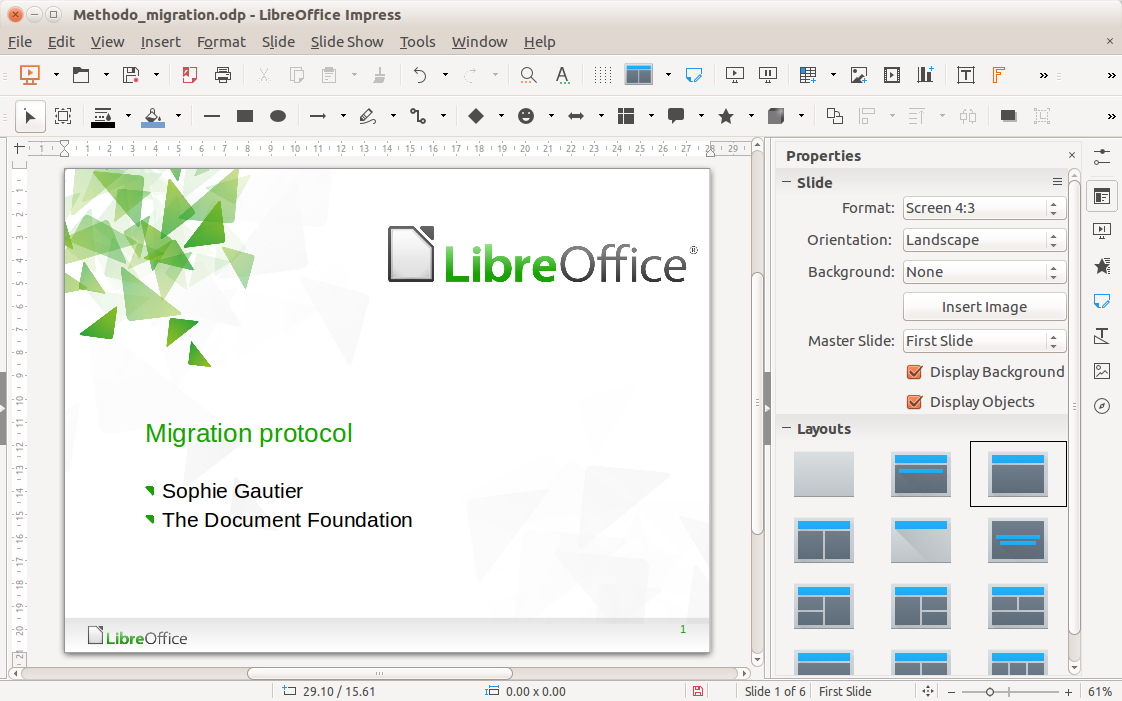
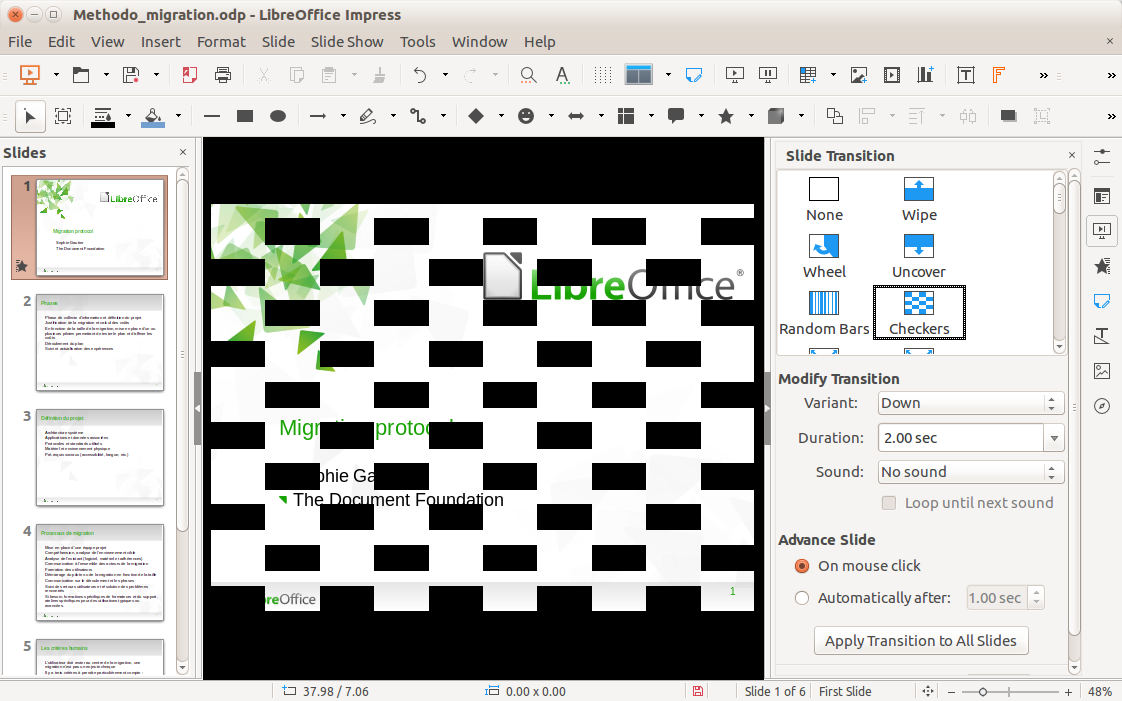
Impress is the fastest and easiest way to create effective multimedia presentations. Stunning animation and sensational special effects help you convince your audience. Create presentations that look even more professional than the standard presentations you commonly see at work. Get your collegues' and bosses' attention by creating something a little bit different.
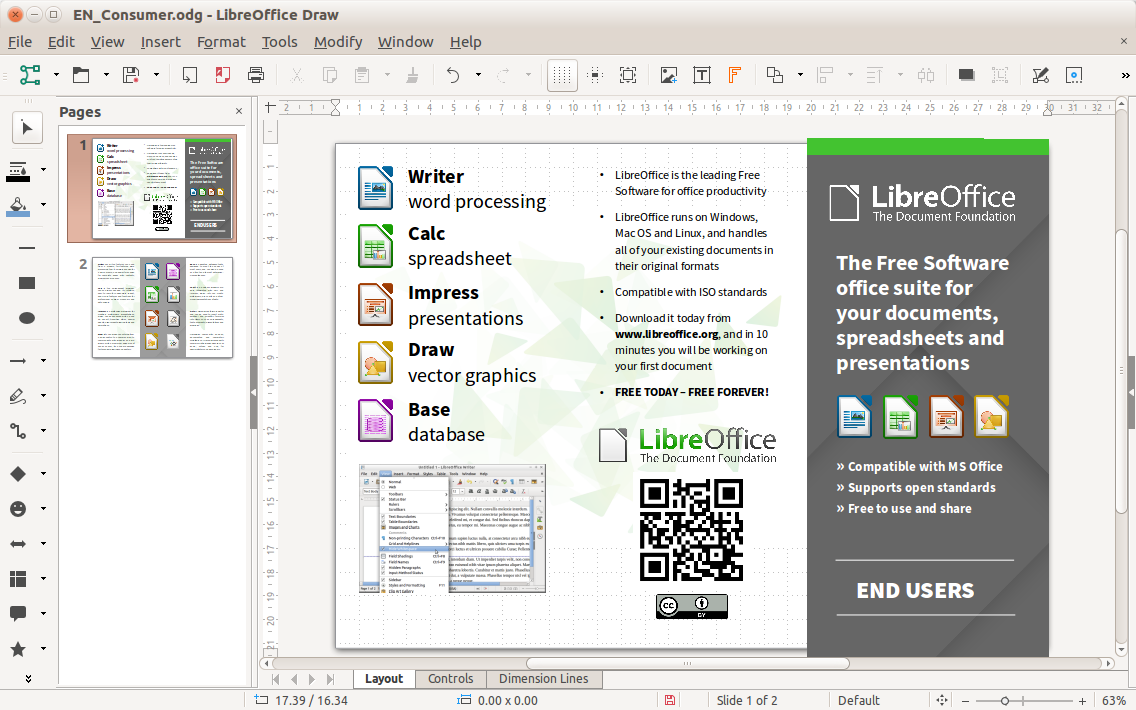
Draw lets you build diagrams and sketches from scratch. A picture is worth a thousand words, so why not try something simple with box and line diagrams? Or else go further and easily build dynamic 3D illustrations and special effects. It's as simple or as powerful as you want it to be.
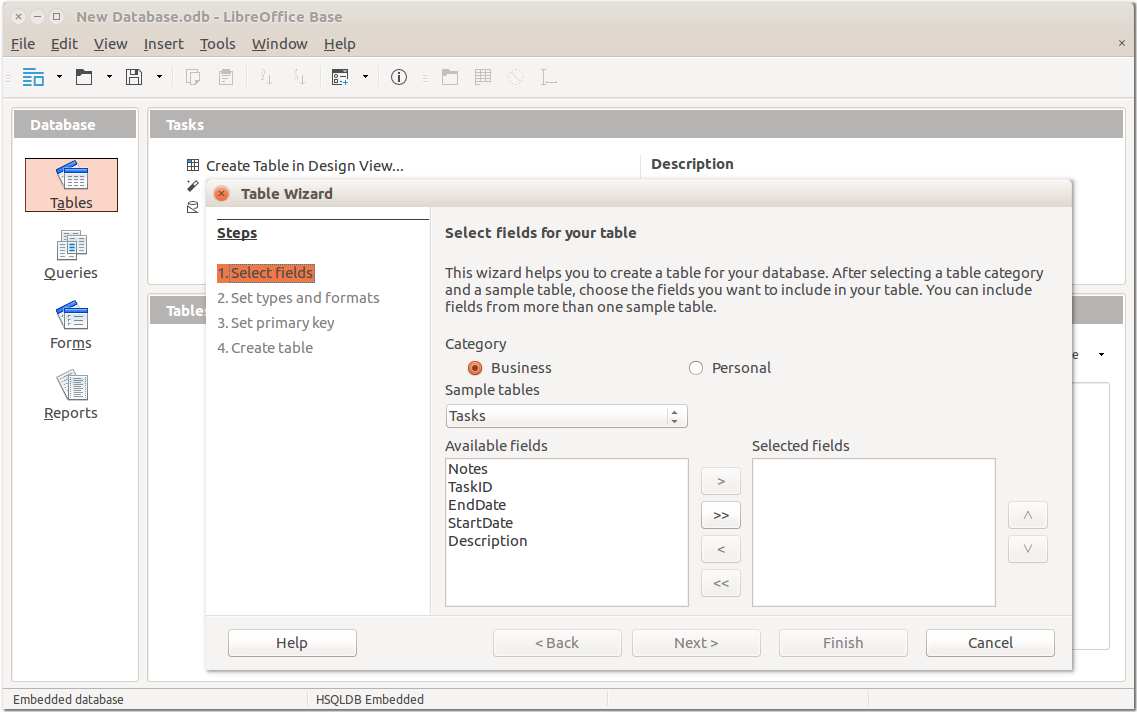
Base is the database front-end of the LibreOffice suite. With Base, you can seamlessly integrate your existing database structures into the other components of LibreOffice, or create an interface to use and administer your data as a stand-alone application. You can use imported and linked tables and queries from MySQL, PostgreSQL or Microsoft Access and many other data sources, or design your own with Base, to build powerful front-ends with sophisticated forms, reports and views. Support is built-in or easily addable for a very wide range of database products, notably the standardly-provided HSQL, MySQL, Adabas D, Microsoft Access and PostgreSQL.
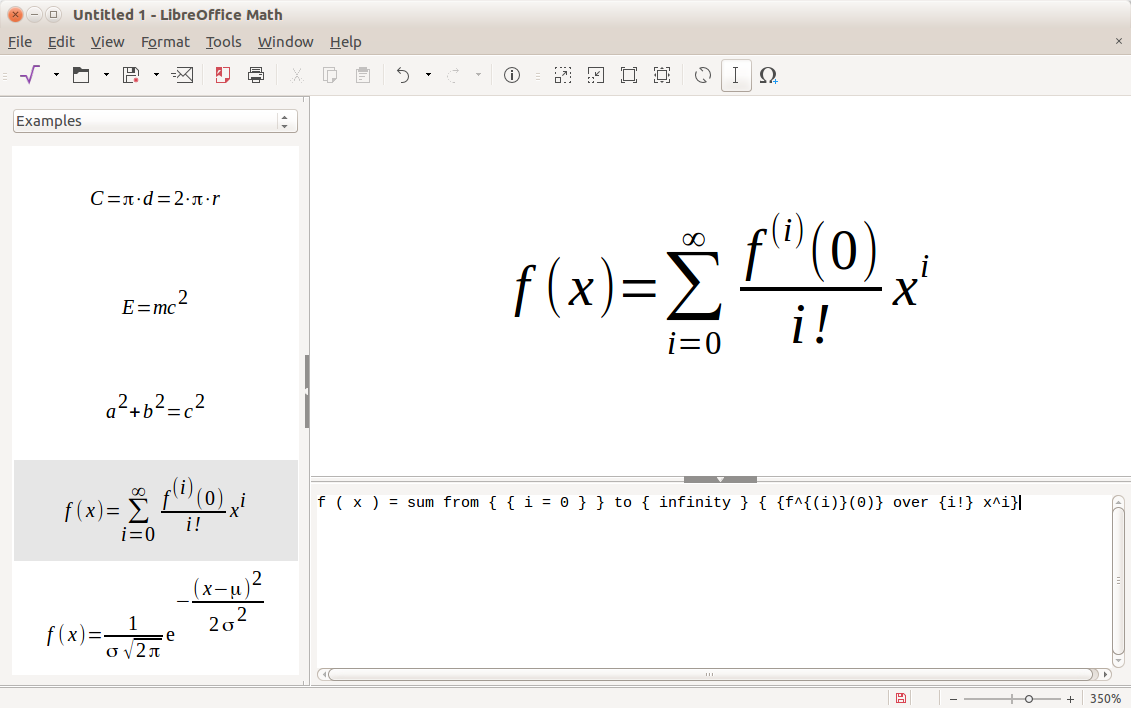
Math is a simple equation editor that lets you lay-out and display your mathematical, chemical, electrical or scientific equations quickly in standard written notation. Even the most-complex calculations can be understandable when displayed correctly. E=mc2.
LibreOffice also comes configured with a PDF file creator, meaning you can distribute documents that you're sure can be opened and read by users of almost any computing device or operating system.
LibreOffice is a comprehensive, professional-quality productivity suite that you can download and install for free. There is a large base of satisfied LibreOffice users worldwide, and it is available in more than 30 languages and for all major operating systems, including Microsoft Windows, Mac OS X and Linux (Debian, Ubuntu, Fedora, Mandriva, Suse, ...).
What does LibreOffice give you?
Writer is the word processor inside LibreOffice. Use it for everything, from dashing off a quick letter to producing an entire book with tables of contents, embedded illustrations, bibliographies and diagrams. The while-you-type auto-completion, auto-formatting and automatic spelling checking make difficult tasks easy (but are easy to disable if you prefer). Writer is powerful enough to tackle desktop publishing tasks such as creating multi-column newsletters and brochures. The only limit is your imagination.
Calc tames your numbers and helps with difficult decisions when you're weighing the alternatives. Analyze your data with Calc and then use it to present your final output. Charts and analysis tools help bring transparency to your conclusions. A fully-integrated help system makes easier work of entering complex formulas. Add data from external databases such as SQL or Oracle, then sort and filter them to produce statistical analyses. Use the graphing functions to display large number of 2D and 3D graphics from 13 categories, including line, area, bar, pie, X-Y, and net – with the dozens of variations available, you're sure to find one that suits your project.
Impress is the fastest and easiest way to create effective multimedia presentations. Stunning animation and sensational special effects help you convince your audience. Create presentations that look even more professional than the standard presentations you commonly see at work. Get your collegues' and bosses' attention by creating something a little bit different.
Draw lets you build diagrams and sketches from scratch. A picture is worth a thousand words, so why not try something simple with box and line diagrams? Or else go further and easily build dynamic 3D illustrations and special effects. It's as simple or as powerful as you want it to be.
Base is the database front-end of the LibreOffice suite. With Base, you can seamlessly integrate your existing database structures into the other components of LibreOffice, or create an interface to use and administer your data as a stand-alone application. You can use imported and linked tables and queries from MySQL, PostgreSQL or Microsoft Access and many other data sources, or design your own with Base, to build powerful front-ends with sophisticated forms, reports and views. Support is built-in or easily addable for a very wide range of database products, notably the standardly-provided HSQL, MySQL, Adabas D, Microsoft Access and PostgreSQL.
Math is a simple equation editor that lets you lay-out and display your mathematical, chemical, electrical or scientific equations quickly in standard written notation. Even the most-complex calculations can be understandable when displayed correctly. E=mc2.
LibreOffice also comes configured with a PDF file creator, meaning you can distribute documents that you're sure can be opened and read by users of almost any computing device or operating system.
LibreOffice 26.2.1.3 Latest download tags
LibreOffice 26.2.1.3 Latest Windows 7 release notes
New Release
Writer:
Anchored objects are no longer selected after pasting. The old behaviour can be restored by setting the expert option Office::Writer::Cursor::Option::SelectPastedAnchoredObject to true. (Michael Stahl, Collabora) tdf#167833
Floating tables and the keep-with-next/don't split paragraph attributes now work better together in Writer (blog post). (Miklos Vajna, Collabora)
Change tracking: old direct format of format redlines are now preserved for ODT and are improved for DOCX (blog post). (Miklos Vajna, Collabora)
Change tracking: it is now possible to decide which change to accept for interdependent changes (blog post). (Miklos Vajna, Collabora)
Floating tables can now be split into floating tables, which improves DOCX export. (Michael Stahl, Collabora) fc53ab8e
When changing one numbered list by joining it to a previous one (Add to list), this now helpfully also removes any "Restart numbering" properties. (Justin Luth) tdf#113213
Spell checking dialog: various papercut fixes. Correct-All list no longer cleared unnecessarily (and more reliably cleared when switching to another application). (Justin Luth) tdf#191558 tdf#126826
Record Track Changes: Partly-deleted paragraphs added to the hidden list. In this way, track changes for partly-deleted paragraphs will not be displayed in the numbering list. (Bayram Çiçek, Collabora) tdf#157596
Writer now takes line spacing into account for field shadings. In this way, bottom of some letters (e.g. "Ç", "ş", "g", "p") will not be cut off because of the "field shadings" background layer. (Bayram Çiçek, Collabora) tdf#167527
Do not show line numbering in footnote during DOCX import. (Bayram Çiçek, Collabora) tdf#167202
Pasting a single image from the clipboard now automatically inserts a caption, following the Writer AutoCaption Images configuration setting. (Michael Stahl, Collabora) d072b5e0
Writer now supports Start and End paragraph alignment. These opti
[ LibreOffice release history ]
Writer:
Anchored objects are no longer selected after pasting. The old behaviour can be restored by setting the expert option Office::Writer::Cursor::Option::SelectPastedAnchoredObject to true. (Michael Stahl, Collabora) tdf#167833
Floating tables and the keep-with-next/don't split paragraph attributes now work better together in Writer (blog post). (Miklos Vajna, Collabora)
Change tracking: old direct format of format redlines are now preserved for ODT and are improved for DOCX (blog post). (Miklos Vajna, Collabora)
Change tracking: it is now possible to decide which change to accept for interdependent changes (blog post). (Miklos Vajna, Collabora)
Floating tables can now be split into floating tables, which improves DOCX export. (Michael Stahl, Collabora) fc53ab8e
When changing one numbered list by joining it to a previous one (Add to list), this now helpfully also removes any "Restart numbering" properties. (Justin Luth) tdf#113213
Spell checking dialog: various papercut fixes. Correct-All list no longer cleared unnecessarily (and more reliably cleared when switching to another application). (Justin Luth) tdf#191558 tdf#126826
Record Track Changes: Partly-deleted paragraphs added to the hidden list. In this way, track changes for partly-deleted paragraphs will not be displayed in the numbering list. (Bayram Çiçek, Collabora) tdf#157596
Writer now takes line spacing into account for field shadings. In this way, bottom of some letters (e.g. "Ç", "ş", "g", "p") will not be cut off because of the "field shadings" background layer. (Bayram Çiçek, Collabora) tdf#167527
Do not show line numbering in footnote during DOCX import. (Bayram Çiçek, Collabora) tdf#167202
Pasting a single image from the clipboard now automatically inserts a caption, following the Writer AutoCaption Images configuration setting. (Michael Stahl, Collabora) d072b5e0
Writer now supports Start and End paragraph alignment. These opti
[ LibreOffice release history ]
Bookmark LibreOffice
LibreOffice for Windows 7 - Copyright information
All LibreOffice reviews, submitted ratings and written comments become the sole property of Windows 7 download. You acknowledge that you, not windows7download, are responsible for the contents of your submission. However, windows7download reserves the right to remove or refuse to post any submission for any reason.
Windows 7 Download periodically updates pricing and software information of LibreOffice full version from the publisher, but some information may be out-of-date. You should confirm all information.
Using warez version, crack, warez passwords, patches, serial numbers, registration codes, key generator, pirate key, keymaker or keygen for LibreOffice license key is illegal and prevent future development of LibreOffice. Download links are directly from our mirrors or publisher's website, LibreOffice torrent or shared files from free file sharing and free upload services, including Rapidshare, MegaUpload, YouSendIt, SendSpace, DepositFiles, DivShare, HellShare, HotFile, FileServe or MediaFire, are not used.
Windows 7 Download periodically updates pricing and software information of LibreOffice full version from the publisher, but some information may be out-of-date. You should confirm all information.
Using warez version, crack, warez passwords, patches, serial numbers, registration codes, key generator, pirate key, keymaker or keygen for LibreOffice license key is illegal and prevent future development of LibreOffice. Download links are directly from our mirrors or publisher's website, LibreOffice torrent or shared files from free file sharing and free upload services, including Rapidshare, MegaUpload, YouSendIt, SendSpace, DepositFiles, DivShare, HellShare, HotFile, FileServe or MediaFire, are not used.
LibreOffice users' reviews
LibreOffice 4.0.0.3
review by BallComm (Feb 22, 2013)


Crashed my whole PC on first install...
Stay away, it just doesn't work!
Stay away, it just doesn't work!
LibreOffice 4.0.0.3
review by Angy (Feb 9, 2013)
It's just terrible, runs very slow on my pc!!
LibreOffice 3.4.0
review by print man (Jun 7, 2011)
Does not find any printer at all on my Win7 64-bit. All my other applications find all the printers.
Post LibreOffice review


Windows 7 LibreOffice related downloads
LibreOffice x64 is the free power-packed Open Source personal ... and edit PowerPoint, Word or Excel files. LibreOffice x64 is a comprehensive, professional-quality productivity suite that ...
LibreOffice Portable is a full-featured office suite -- including ... to work with them wherever you go. LibreOffice Portable is a full-featured office suite that's compatible ...
... to extract e-mail addresses from one or more LibreOffice Calc files. The user can add file/s or ...
... to the home of FlipPageMaker Flipbook Maker for LibreOffice, an innovative software developed by Flippagemaker.com. This software ...
X-LibreOffice is a portable version of the well-known LibreOffice productivity suite. LibreOffice is a package that is ...
My Account
Help
Windows 7 Software Coupons
-
MacX Media Management Bundle
70% Off -
WinX MediaTrans
63% Off -
WinX DVD Ripper
50% Off -
WinX DVD Copy Pro
42% Off -
Media Player Morpher
85% Off
My Saved Stuff
You have not saved any software.
Click "Save" next to each software.
Click "Save" next to each software.
Would you like to receive announcements of new versions of your software by email or by RSS reader? Register for FREE!
Windows 7 Downloads Picks
- Microsoft Office 2007
- LibreOffice 26.2.1.3 Latest
- LibreOffice x64 24.2.4
- PDF-XChange Lite 10.2.1.385
- EMF Printer Driver 17.76 Revision 3239
- Quite Imposing Plus 6.0c
- Microsoft Office 2010 x32 14.0 BETA
- Microsoft Office 2003
- Microsoft Office 2016 x64 2405 B17628.20164
- WebEx MeetMeNow 2.0 44.6.0.29928
- Microsoft Office Compatibility Pack for Word, Excel, and PowerPoint 2007 File Formats 4
- XL Toolbox 7.0.0 Alpha 18
- Microsoft Office 2007 Service Pack SP3
- Advanced Reliable Software 1.9
- FinePrint (x64 bit) 11.44
- Microsoft Office 2013 15.0.4420.1017 RTM
- PDF to Word Converter 19.4.2.4
- Notepad++ Portable 8.9
- CZ Excel Converter 4.0 B130902
- GIRDAC PDF Converter Ultimate 23.2.2.4
Popular Tags
tool
editor
acrobat
outlook
software
free
convert
create
document
data
text
doc
pdf
excel
xls
microsoft
spreadsheet
powerpoint
conversion
pdf converter
add in
create pdf
printer
adobe
converter
word
word to pdf
office
files
pdf creator
Popular Windows 7 Software
- Microsoft Office 2007
- LoadPlanner Desktop 2.6.4
- LibreOffice 26.2.1.3 Latest
- LibreOffice x64 24.2.4
- Card Maker Software For Windows OS 8.2.0.2
- dbForge Data Compare for Oracle 2025.3
- Alternate Timer 4.850
- EasyBilling Invoicing Software 9.9.2
- dbForge Transaction Log for SQL Server 2025.3
- Quick Receipt Software 2.9.3
- ChequeSystem Cheque Printing Software 8.5.9
- dbForge Monitor for SQL Server 2025.3
- dbForge Schema Compare for SQL Server 2025.3.107
- dbForge Compare Bundle for SQL Server 2025.3
- dbForge Data Compare for SQL Server 2025.3
© 2026 Windows7Download.com - All logos, trademarks, art and other creative works are and remain copyright and property of their respective owners. Microsoft Windows is a registered trademarks of Microsoft Corporation. Microsoft Corporation in no way endorses or is affiliated with windows7download.com.